OmniDimension October 2026 Update: AI That Remembers#
October brought more context to conversations, more control to campaigns, and more ways to connect Voice AI and WhatsApp with the tools your business uses.
We introduced Caller Memory, expanded the WhatsApp workspace, added new workflow capabilities, and improved the resilience of our voice agents. Agencies also gained more ways to manage client accounts through OmniRelay.
Here’s a closer look at what shipped.
From the founder#
October was a record-breaking month for OmniDimension. Our call volume grew 100% compared to September, and we managed 3M+ conversations. We closed 3 enterprise deals, crossed 165,000 users, and shipped 12+ new features.
We also built a new ticket management system to improve customer support and made significant improvements to our AI agents. Our agents are becoming smarter at handling end-to-end workflows across Voice AI and WhatsApp, powered by shared memory that remembers customer interactions across calls and messages.
Here’s everything we shipped in October!
— Shounak Mitra, Founder & CEO
Caller Memory: pick up where the conversation left off#
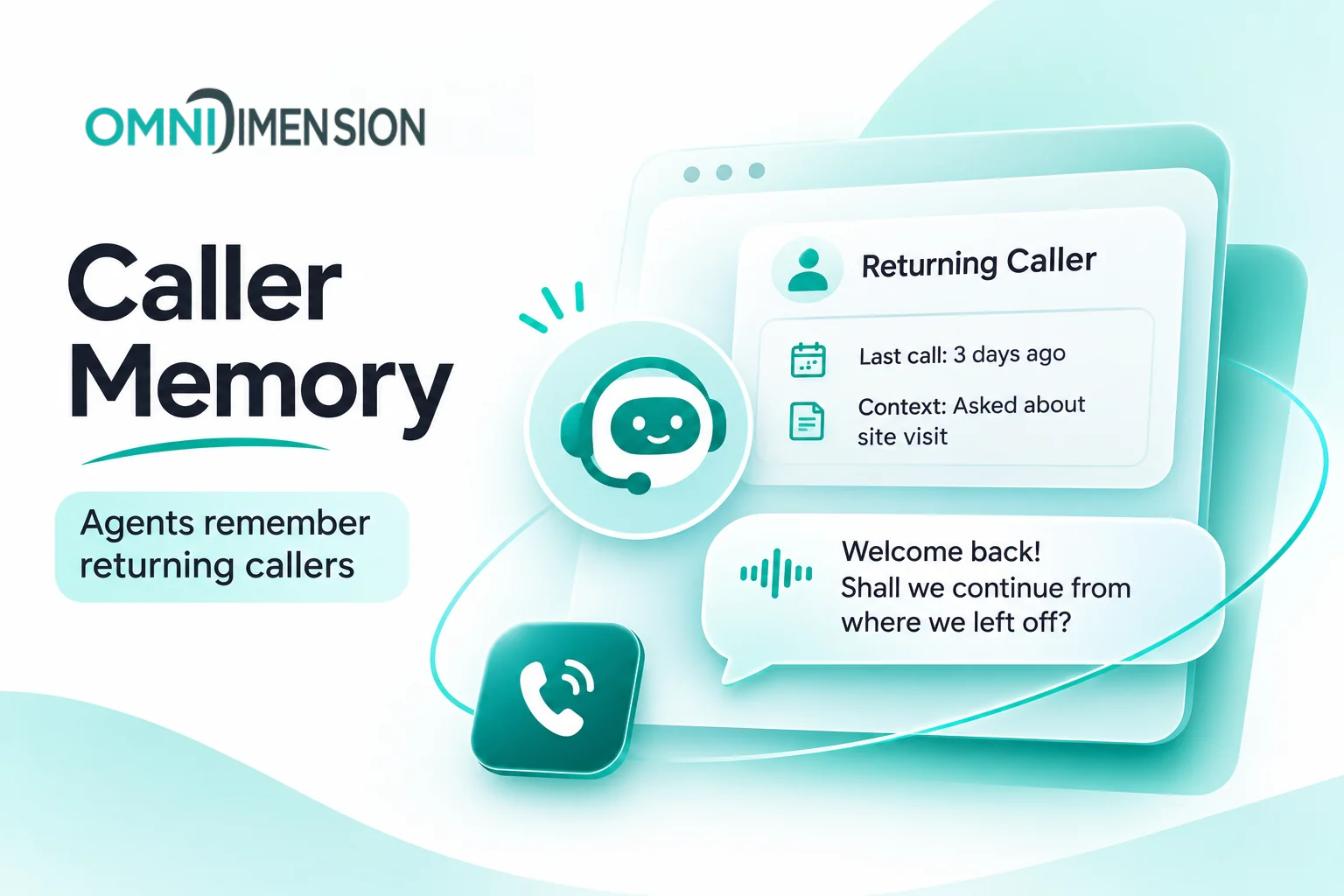
Customers shouldn’t have to start from the beginning every time they call.
Caller Memory helps agents remember returning callers and bring context from earlier interactions into the next conversation. That means less repetition for customers and a more useful starting point for your agent.
For example, someone who previously asked about a site visit can return to that conversation instead of explaining the same requirement again.
Shared memory supports our broader direction: agents that can handle connected customer journeys across calls and messages.
WhatsApp becomes a complete workspace#
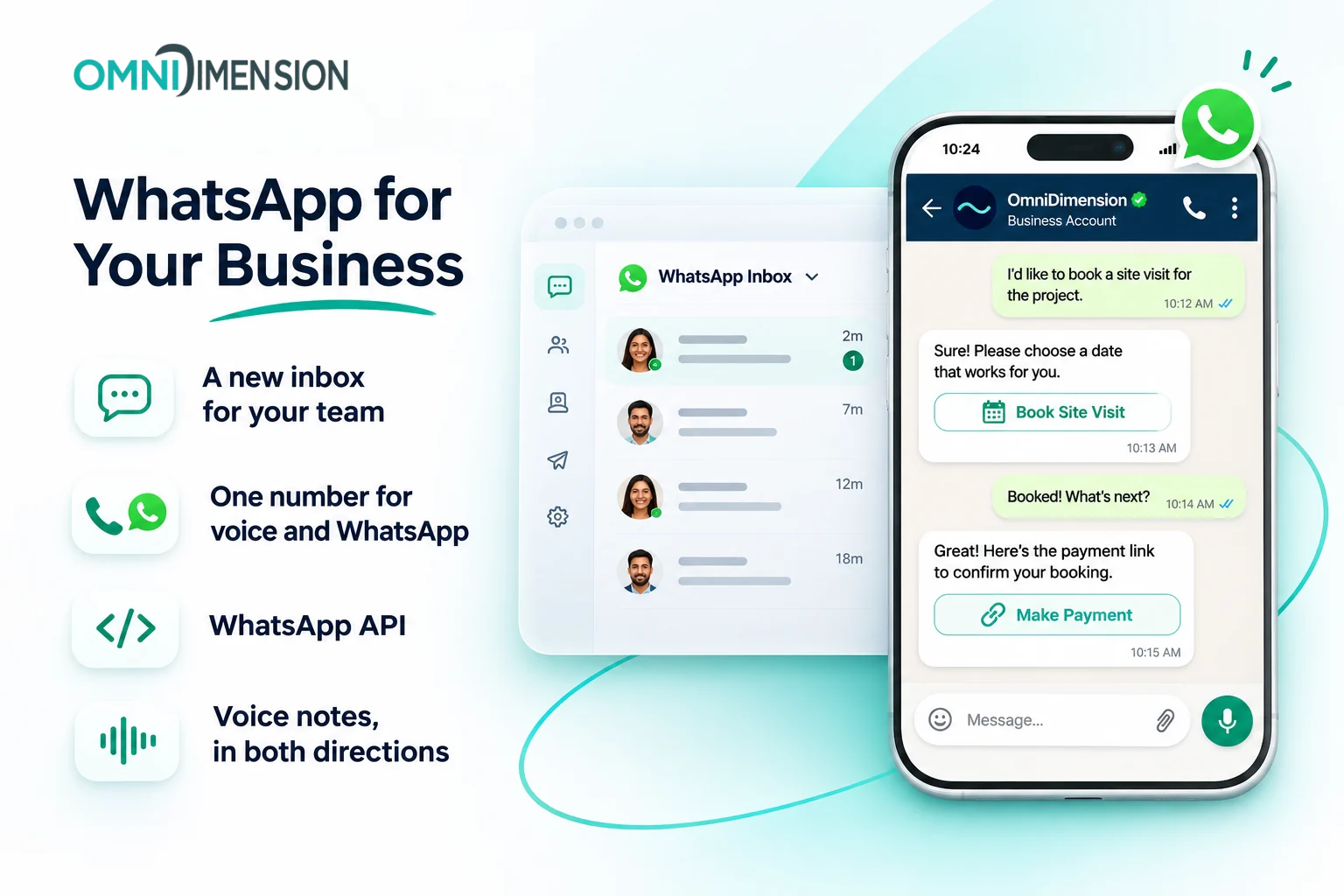
The new WhatsApp workspace brings chats, team handoffs, and message history into one inbox. Your team can follow conversations and step in when a customer needs a person.
This release also expands how customers interact with your agents and how developers build on WhatsApp.
One number for calls and WhatsApp#
Use one number for both voice calls and WhatsApp, giving customers a consistent way to reach your business across channels.
Voice notes in both directions#
Customers can send voice notes to your agents. Agents can understand those messages and reply in voice, giving customers another way to communicate beyond typing.
WhatsApp capabilities through the API#
The WhatsApp API brings the capabilities of the dashboard into your own code. You can build WhatsApp operations into your applications and business processes.
The workspace also adds quoted replies, typing signals, reactions, and photos that open directly in the inbox. Broadcast review and tracking, opt-out management, and number insights give teams more control over messaging operations.
Watch the WhatsApp walkthrough.
Workflows that turn conversations into action#
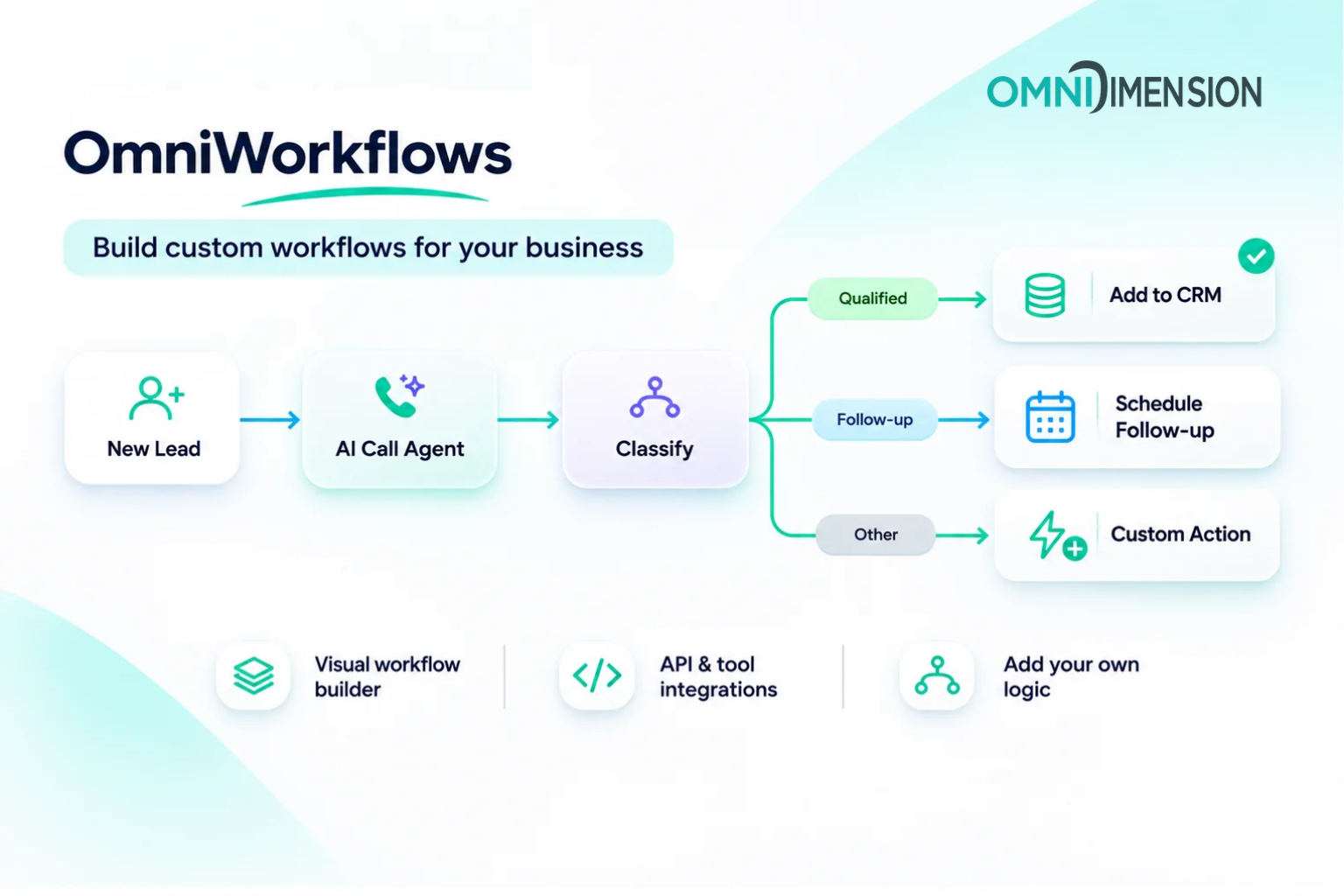
A useful conversation often needs a next step: creating a contact, updating a deal, or routing information to the right process.
October’s workflow updates make those connections easier to build.
Zoho Bigin in the workflow builder#
You can now turn a finished call into a Bigin contact or deal through the workflow builder. This connects the outcome of a conversation with the CRM record your team needs to follow up.
Build workflows over the API#
Developers can create workflows programmatically through the API. Through MCP, you can also view workflows as a canvas inside Claude or ChatGPT.
This gives teams more ways to work: build through code and inspect the flow visually.
Classify text and choose the next path#
The Classify node sorts text into categories you define, with a separate path for each category.
For example, you could classify a customer’s request as a sales enquiry, a support question, or an appointment request, then route it through the appropriate workflow.
Watch the workflow walkthrough.
Smarter bulk calling and campaign retries#
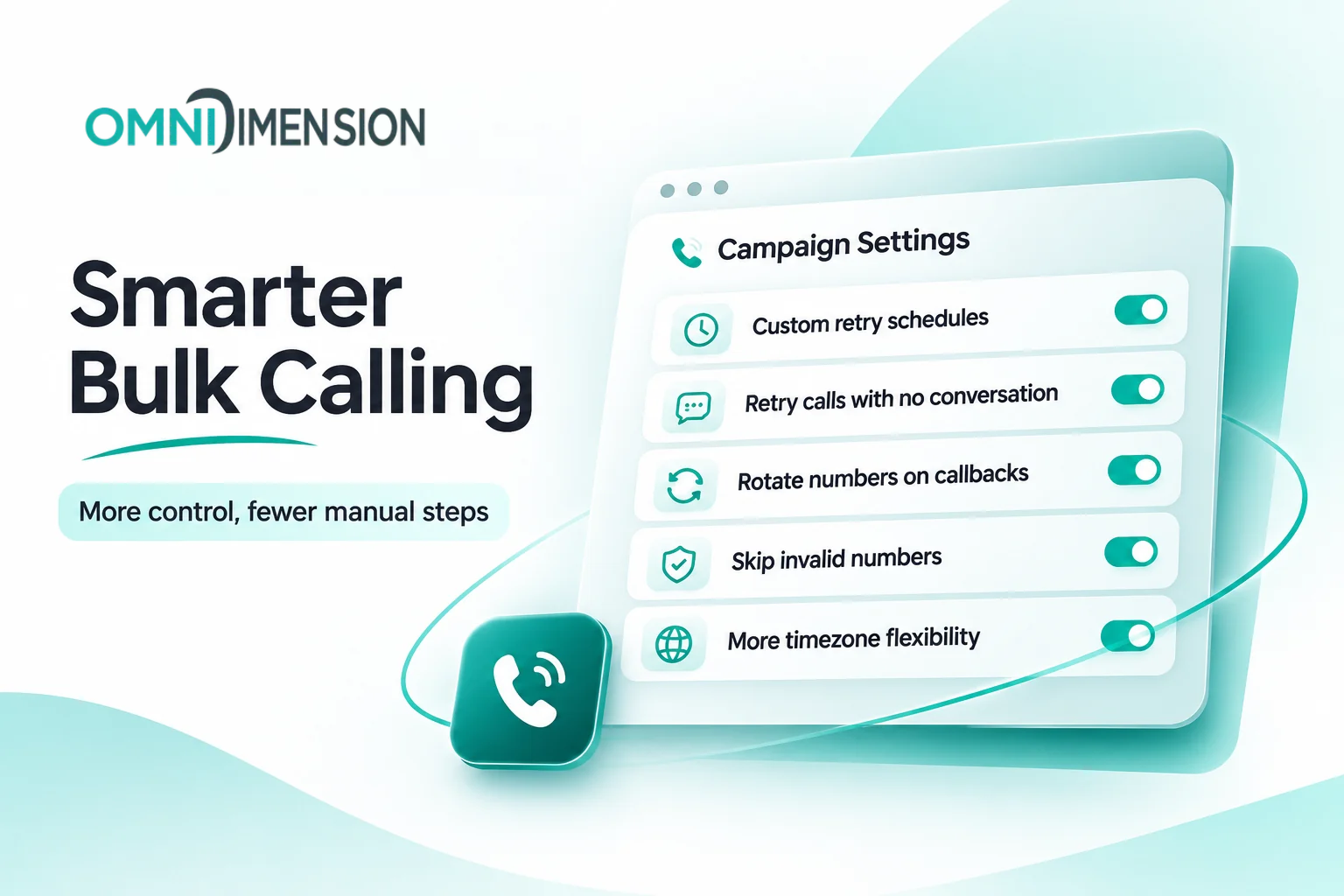
Campaigns need more flexibility than a single retry rule. Some contacts need another attempt in an hour; others need a call the next day.
The latest bulk-calling updates give you more control over those decisions.
You can now:
- Set custom retry schedules, such as 1 hour, then 3 hours, then 1 day.
- Retry contacts who answered but never spoke, alongside other retry scenarios.
- Use a different number on repeat calls.
- Skip invalid numbers automatically.
- See why entries were skipped, so campaign results are easier to understand.
Numbers Shop also holds back heavily used numbers, helping you start with a cleaner line.
Together, these updates make campaign behaviour easier to configure and explain.
Faster replies and more resilient voice agents#
We improved how agents respond when models or speech providers have trouble.
When the main model is slow, a backup model can answer first. Gemini 3 and Mistral also expand the available model choices, with automatic fallback.
Backup transcription and text-to-speech provide additional resilience when a speech provider has trouble, helping conversations continue.
Other voice improvements include:
- API-guided transfers: transfer a call mid-conversation based on your API’s response.
- Improved voicemail detection: detection now catches the iPhone call screener.
These changes help agents respond more consistently while giving businesses more control during live calls.
OmniRelay: more control for agencies#
Agencies need to manage both the customer experience and the business behind it.
OmniRelay expands how you run client accounts, present your brand, and track client-level performance.
You can manage client accounts from your own code, use your branding and email without needing a custom domain, and see usage, spend, and margin for each client.
That gives agencies clearer visibility into how each account is using the platform and contributing to the business.
Explore OmniRelay for agencies or watch the walkthrough.
Keep building with OmniDimension#
October’s updates bring customer context, communication channels, and business workflows closer together.
Whether you’re helping returning callers, managing WhatsApp conversations, running campaigns, or building for clients, these releases give your agents more ways to carry a conversation through to its next step.
Comments